Start with a hint
Only open the level of help you want. The answer and full steps remain folded away until you choose them.
01 A gentle nudge
There is no required order for setting the panel. Every control must match the Clamp Release Procedure document before the final button becomes available.
02 Show the specific clue
Check the two balance controls, both notification switches, and the report lights individually. A partially correct panel will not release.
03 Reveal the answer & full solution
THE ANSWER
D71 · Batteries B / C · Reports 1, 3, 6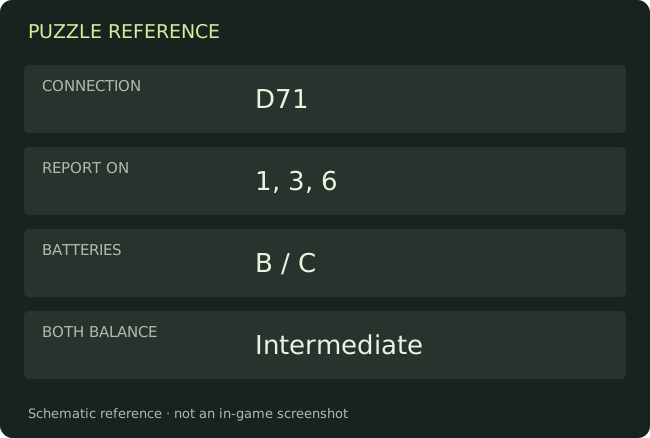
Step-by-step solution
- Set both BALANCE controls to Intermediate. Switch on both NOTIFY options: SELF and ALL.
- Set RUN OFF to Disengaged and enter D71 in CLAMP CONNECTION.
- Turn on REPORT lights 1, 3, and 6; leave the other report lights off.
- Set PRESSURE CONTROL to SET and INTUBATE FLOW to NONE.
- Set BATTERY ONE to B and BATTERY TWO to C.
- Once the green activation/release button flashes, press it. Then go down to the red crank and turn it.
Still stuck?
This checklist begins at the final clamp panel. It does not replace the earlier CCTV and auxiliary-lines tasks. If the button is not flashing, recheck both balance dials and all report lights against the procedure document.
Keep going on this site
Need the route into this area or the next objective? The main-story walkthrough includes required items and chapter connections.
Watch the chapter video here
Chapter video walkthrough
Loads YouTube's player on this page. The video may include story spoilers and YouTube may process playback data.
The written guide works without loading the video.